Product fit
Review the item, variation, unit and supplier scope for the intended need.
 DMEStudiosBY SOFLOAI
Connect the product conversation to the evidence, payer requirements and financial assumptions your team needs to review. Product selection starts with an appropriate patient need.
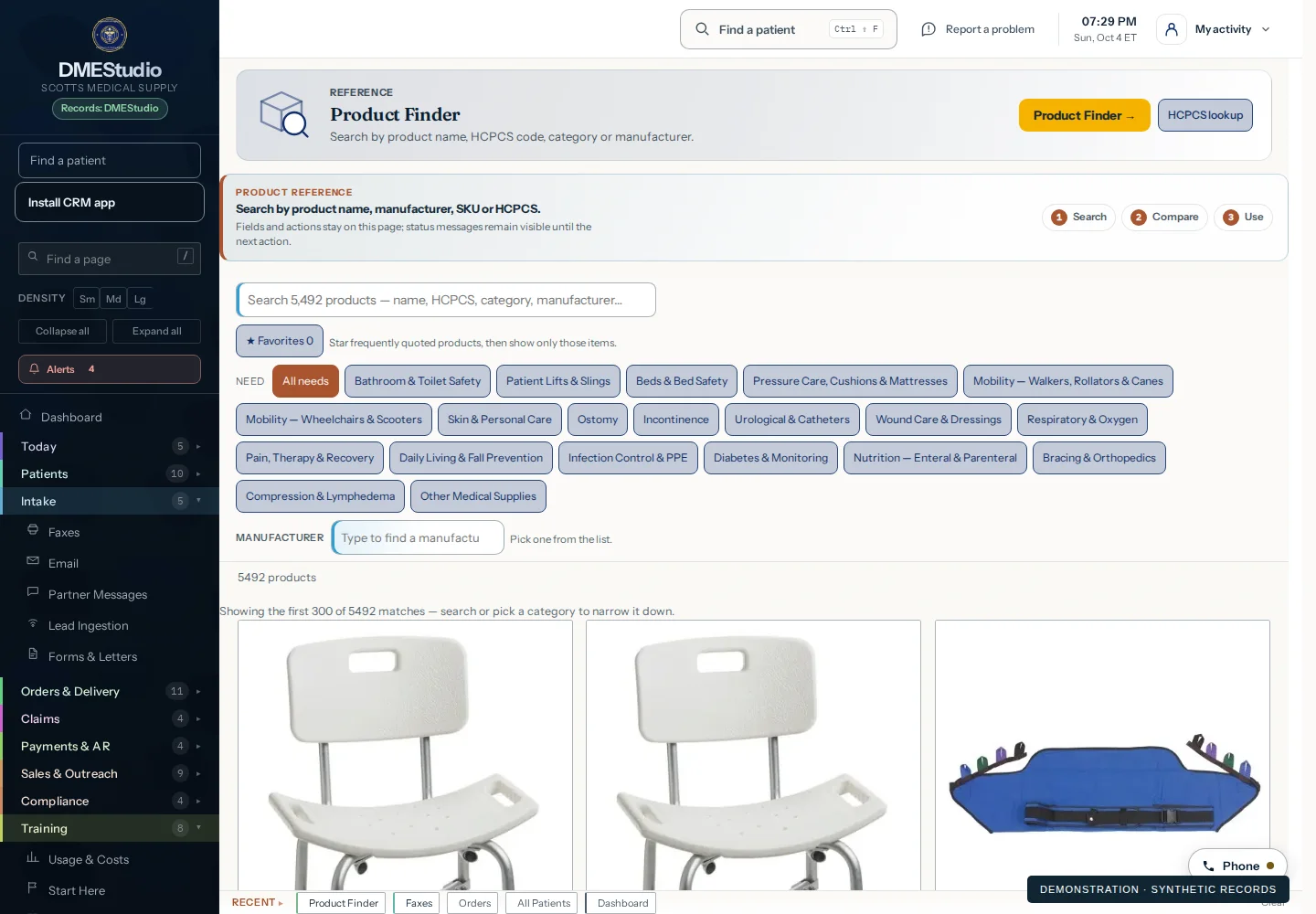
Review the item, variation, unit and supplier scope for the intended need.
Confirm the applicable HCPCS code, modifiers, order and documentation requirements.
Review the payer, locality, service date, allowed amount and fulfillment costs.
Follow delivery, claim outcomes and payments. An allowed amount is not cash received.
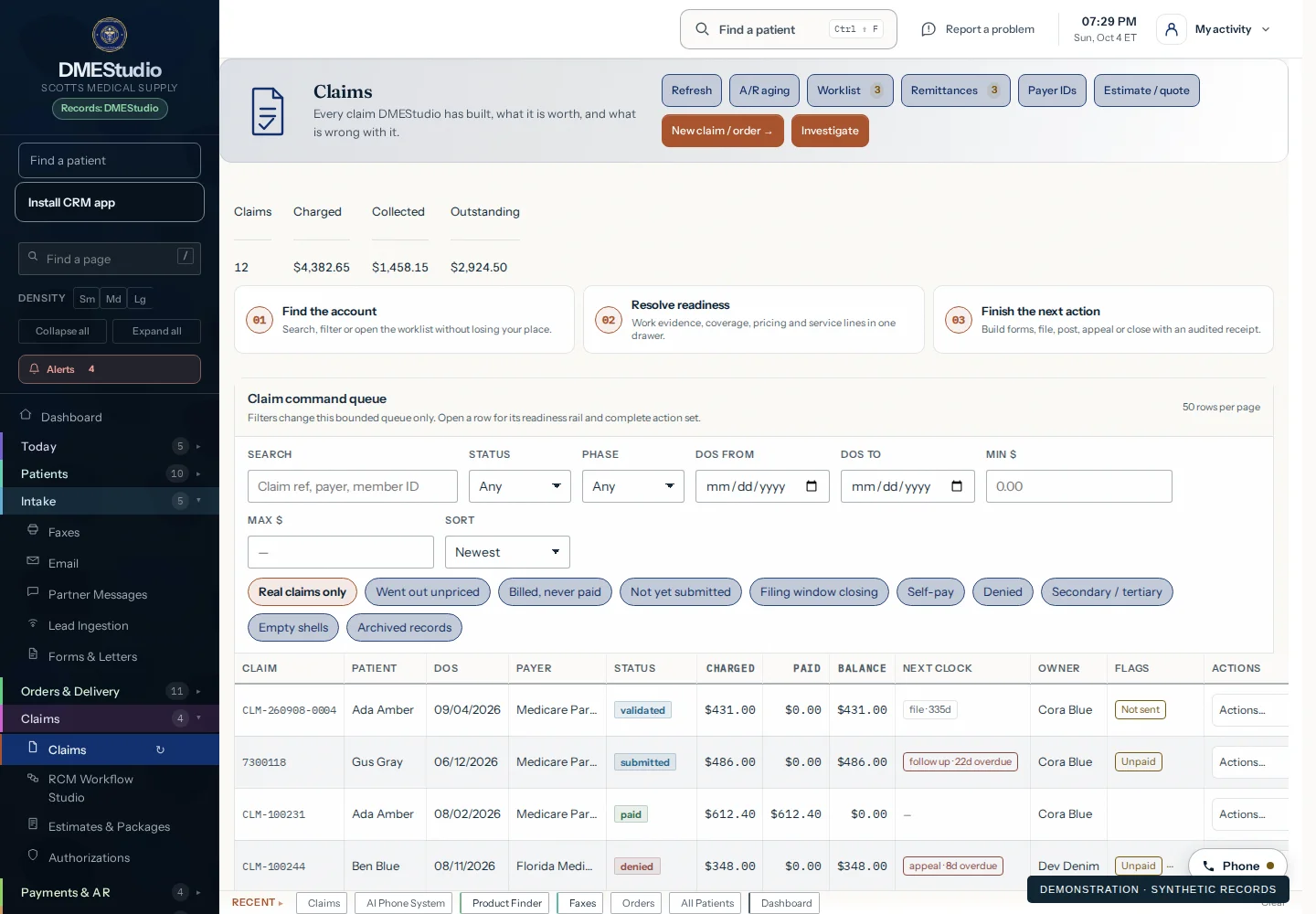
A short, silent walkthrough of real Product Finder and claim workspace captures, with an illustrated document-review step. All records shown are synthetic.
Edited from still interface captures and a fictional document-review illustration. No patient records or real transactions are shown.
Try a product category and enter your own hypothetical unit economics. This is a transparent planning illustration, not a live fee lookup, coding recommendation or reimbursement quote.
Enter all financial assumptions to calculate an illustration.
Collections = units × allowed amount × collection percentage. Contribution = modeled collections − entered direct costs. This is not net profit. Include relevant cost allocations; omitted costs overstate contribution.
Coverage, medical necessity, order evidence, coding, modifiers, authorization, delivery and payer rules still apply. Do not choose equipment or contact patients simply because an example appears profitable.
Rental periods, purchase units and supplies have different billing and cost structures. This illustration does not calculate rental caps, refill eligibility, utilization limits, patient responsibility or payer-specific adjustments. Use a consistent period and verified inputs.
Use Product Finder to inform a reviewed selection. Carry the accepted item through the order, delivery and billing workflow, then reconcile real transactions. The financial illustration above demonstrates the questions to ask; it is separate from the operating application.
Walk through my product workflow