What moves forward.
The office sees operational progress while delivery evidence stays in the ticket workflow.
 DMEStudiosBY SOFLOAI
The person at the door needs the same stop, equipment and next action the office planned.
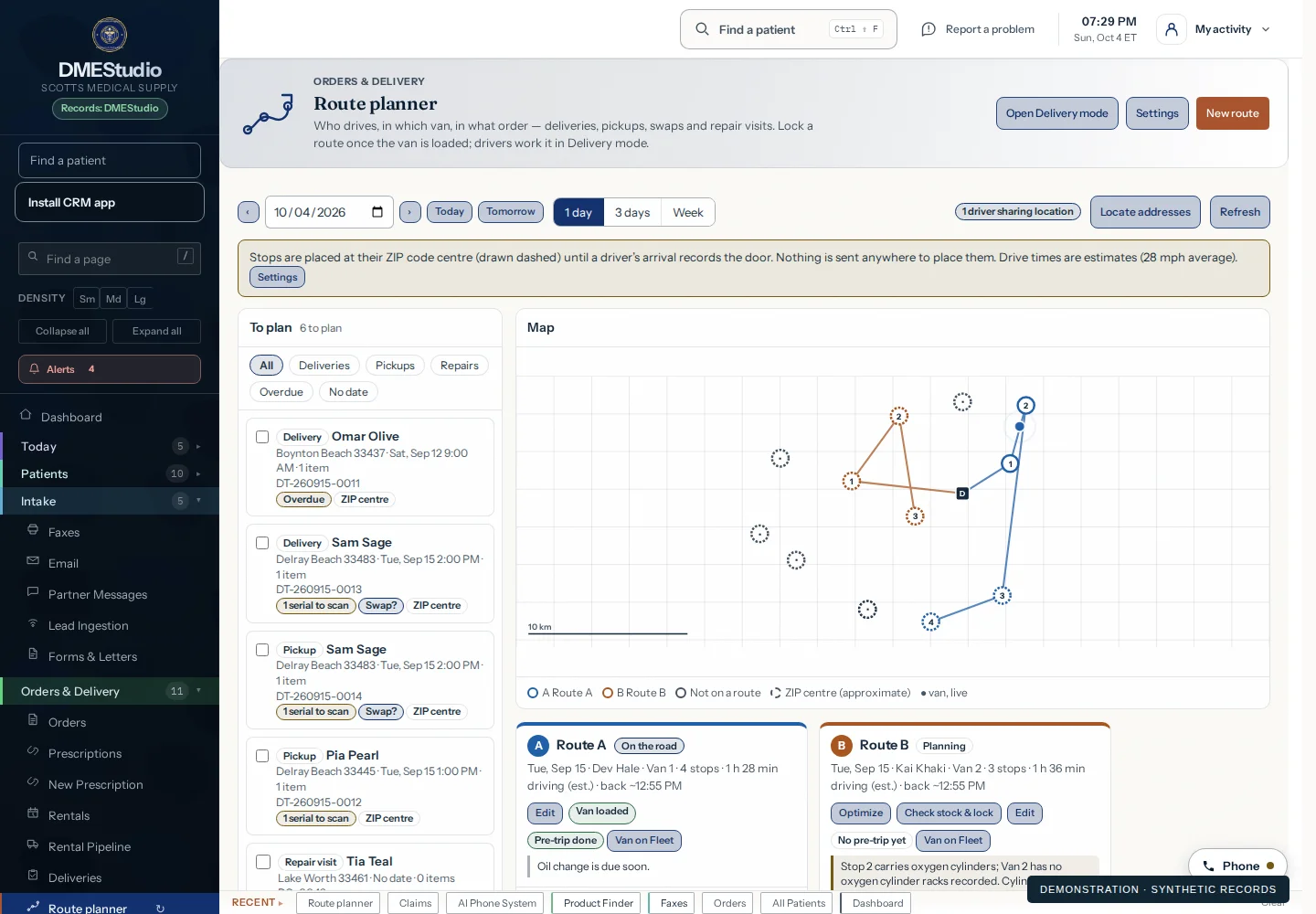
The office sees operational progress while delivery evidence stays in the ticket workflow.
A failed stop returns to scheduling, contact correction or stock resolution.
Connectivity, device permissions and offline recovery must be tested on the actual fleet. No uptime or routing-savings guarantee.
Start with a guided demo. Explore a free 14-day pilot built around the workflows you want to evaluate.
Selected modalities · agreed AI allowance
BAA and setup before patient data