What moves forward.
Every downstream action stays attached to the appropriate patient.
 DMEStudiosBY SOFLOAI
Each team needs the same patient context while preserving where facts came from and who changed them.
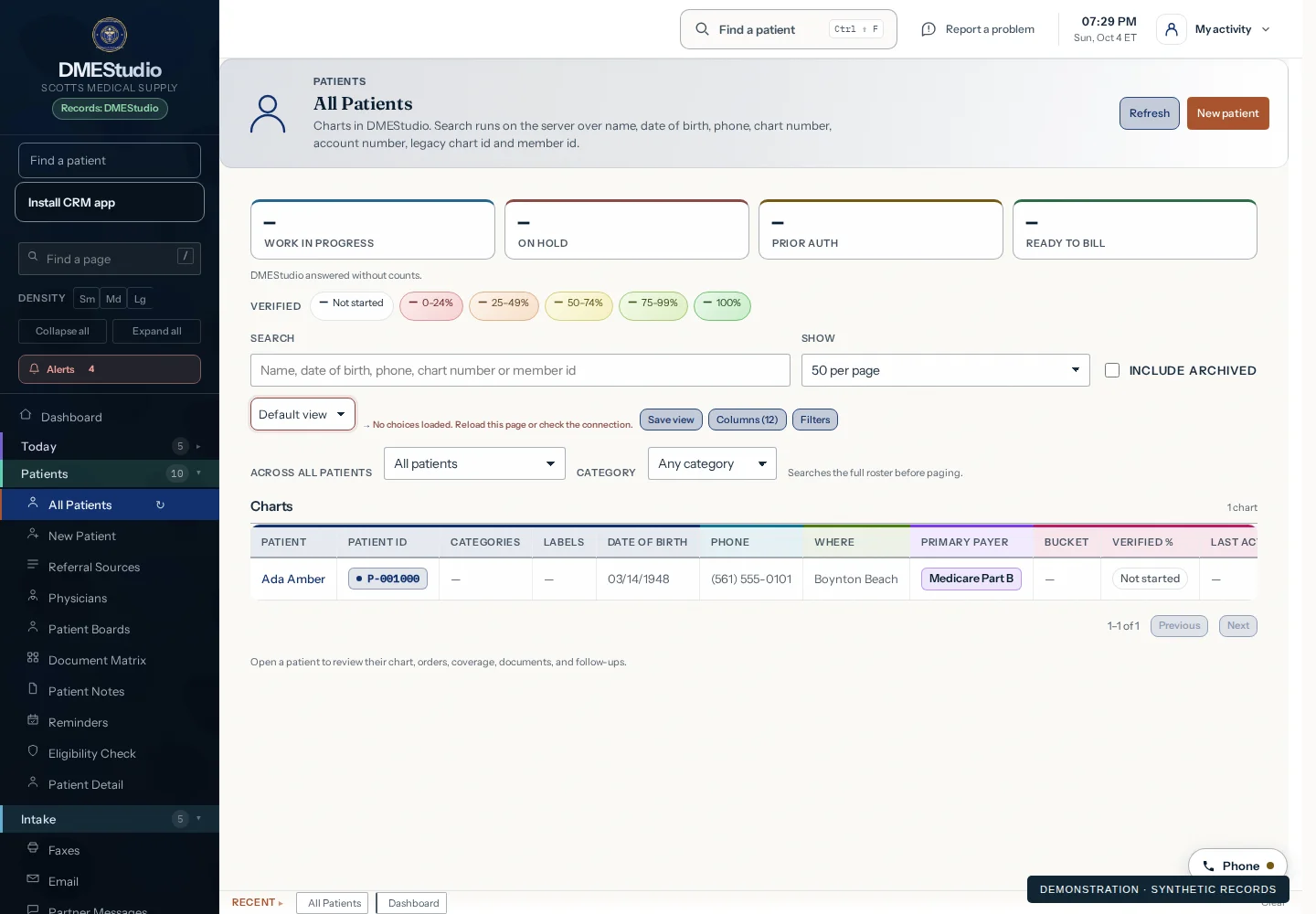
Every downstream action stays attached to the appropriate patient.
Correct a disputed field against its source; review archive, restoration and historical identifiers.
AI note assistance suggests text for a person to review and save. Patient access is set up and verified for your staff.
Start with a guided demo. Explore a free 14-day pilot built around the workflows you want to evaluate.
Selected modalities · agreed AI allowance
BAA and setup before patient data