What moves forward.
Ready work moves to fulfillment and a separately controlled billing workflow.
 DMEStudiosBY SOFLOAI
The next action must reflect the actual state of the order, not whichever screen was last opened.
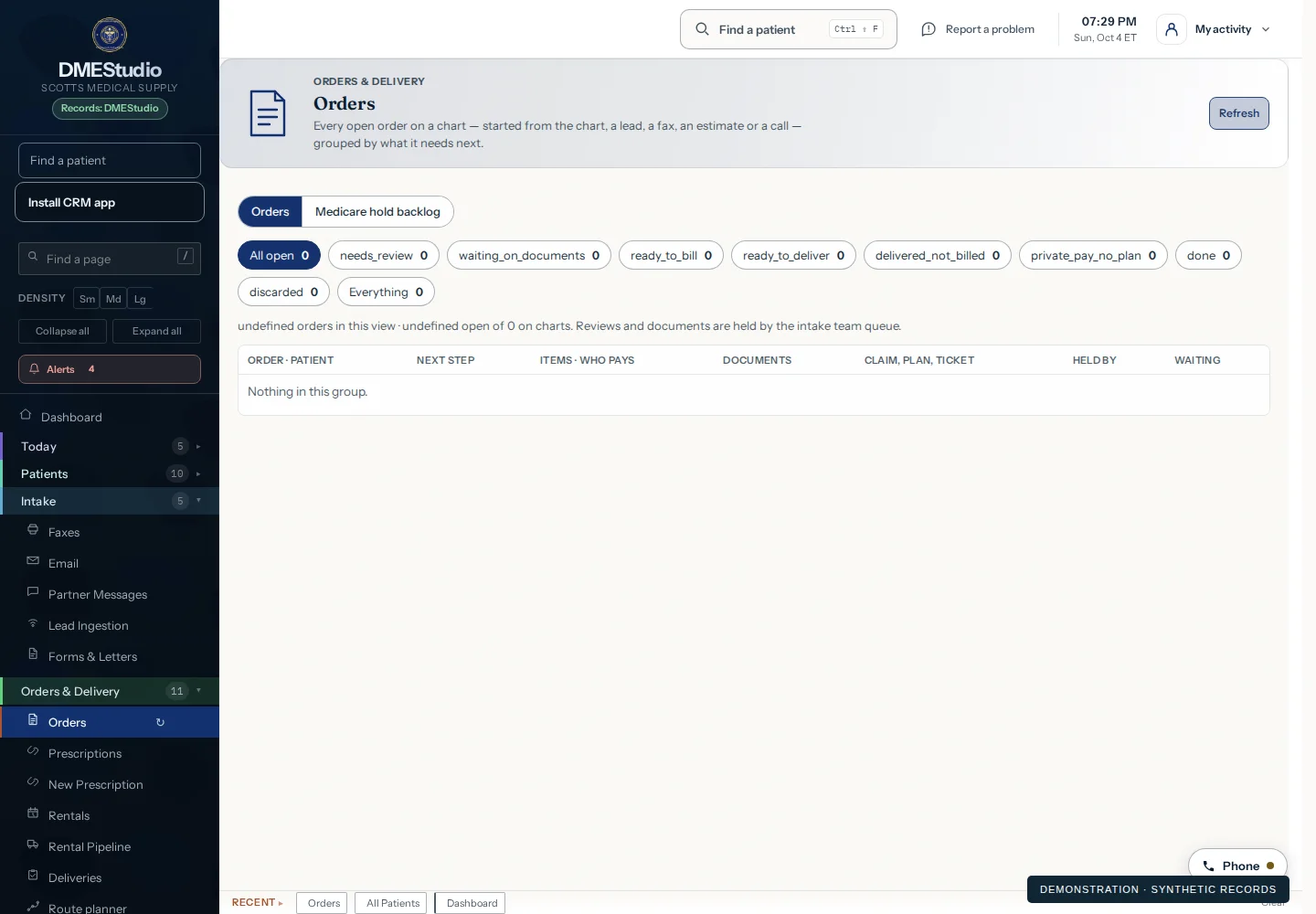
Ready work moves to fulfillment and a separately controlled billing workflow.
A delivery issue, missing document or billing exception leads back to the order and its evidence.
Order review does not send a claim, collect money or mark a delivery complete.
Start with a guided demo. Explore a free 14-day pilot built around the workflows you want to evaluate.
Selected modalities · agreed AI allowance
BAA and setup before patient data